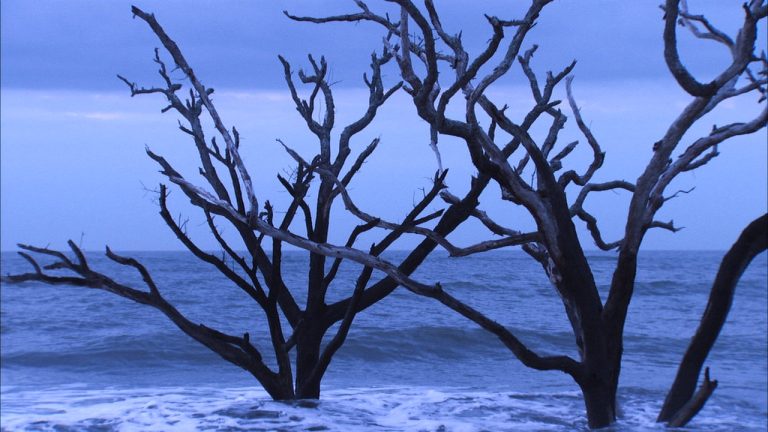
Step into the historic landscapes and coastal beauty of Charleston, South Carolina, where creative vision meets powerful photography techniques. In this collection, you’ll explore how to transform everyday scenes into striking works of visual artistry—from dramatic ocean vistas on Edisto Island to textured wood on the shoreline and architectural details in downtown Charleston. Along the way, you’ll learn how to see scenes differently and capture images that go beyond traditional photography.
These lessons cover a wide range of techniques designed to elevate your creative toolkit, including long exposures, HDR photography, macro composition, multiple exposures, infrared imagery, and panoramic stitching. You’ll also discover practical editing workflows for enhancing your images through Photoshop techniques, black-and-white conversions, mirrored compositions, and digital processing. Whether you’re photographing landscapes, close-up details, or historic city scenes, this collection will help you expand your artistic approach and create photographs that stand out.
Class Sessions
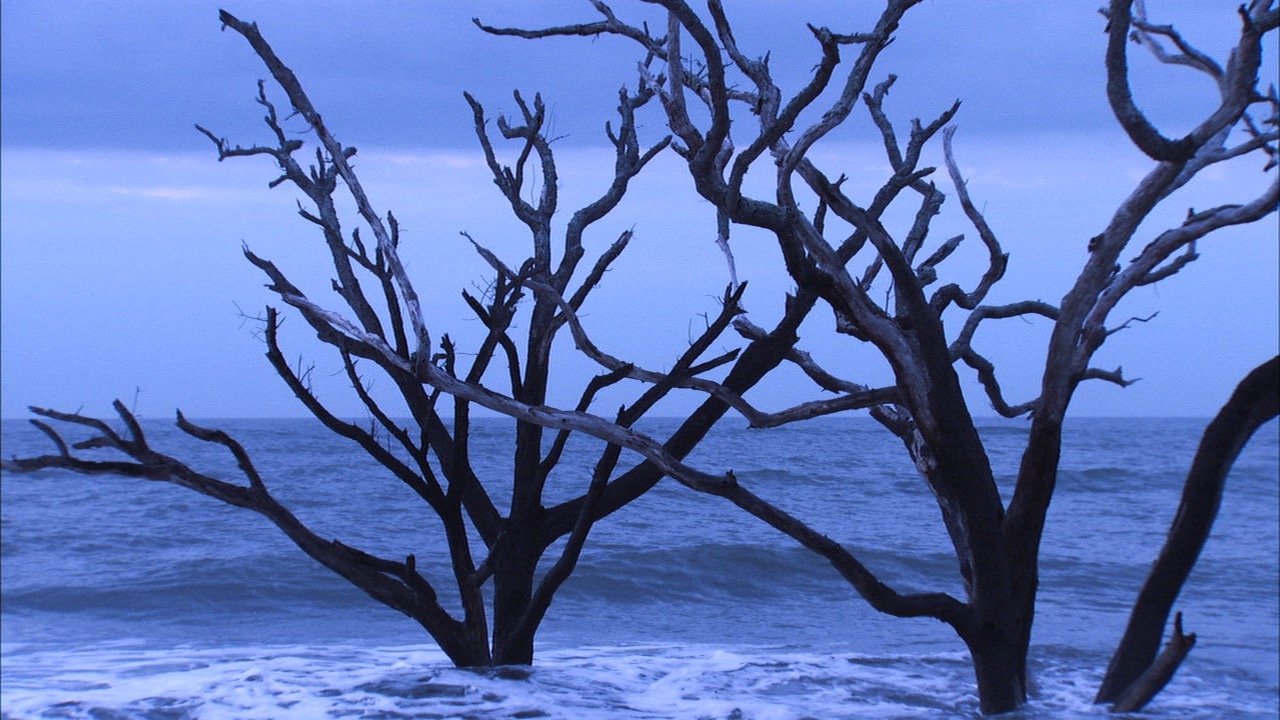
Using Long Exposure to Photograph Water
13:19
Learn long exposure, HDR, panoramas, infrared photography, and editing techniques for striking artistic images.
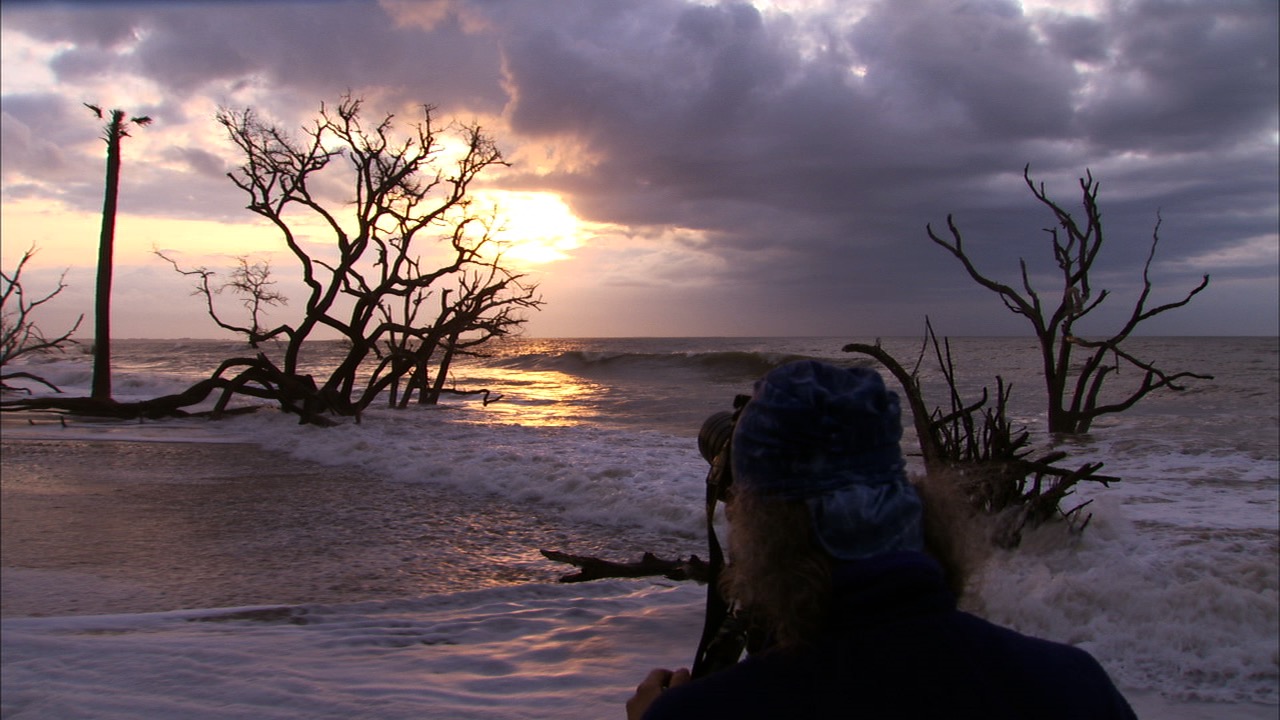
HDR Photography: Capturing a Water Scene
19:58
HDR photography on Edisto Island. Learn exposure bracketing, neutral density filters, histograms, and editing techniques for dramatic ocean scenes.
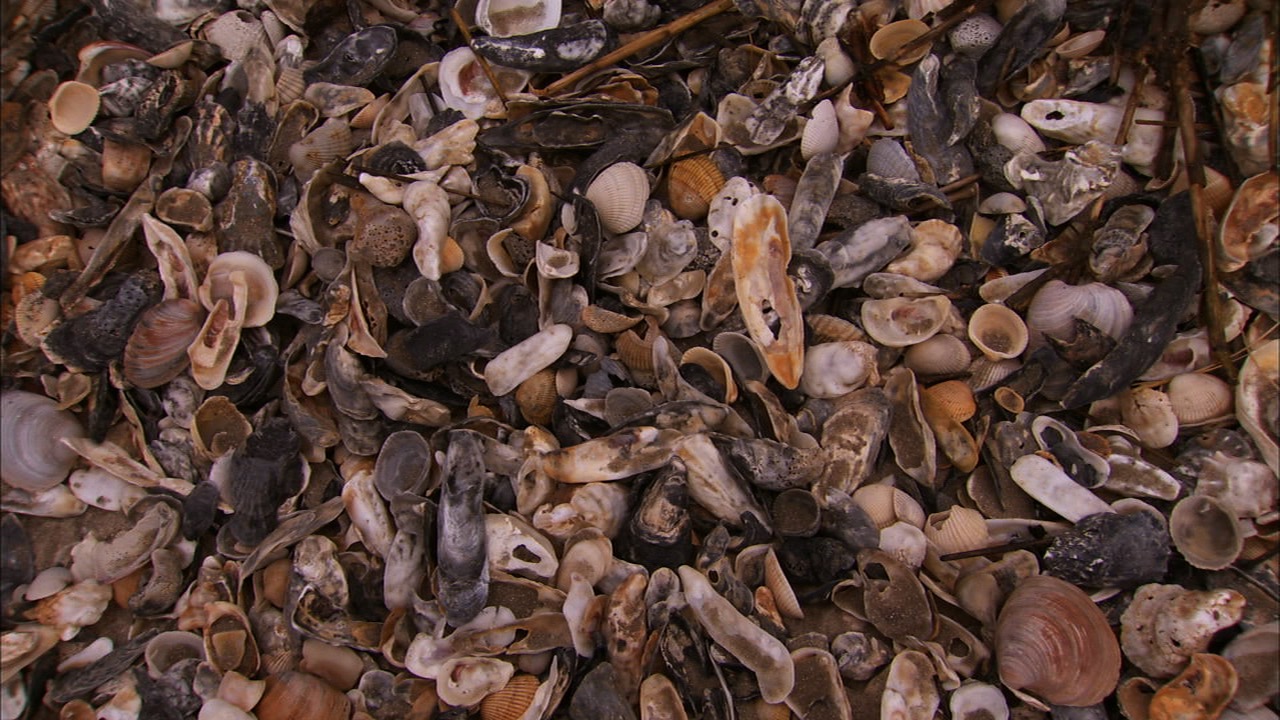
Close-Up Photography: Capturing the Details of Shells
10:33
Close-up photography on Edisto Island. Learn macro composition, spot metering, high f-stops for sharpness, and Photoshop editing techniques.
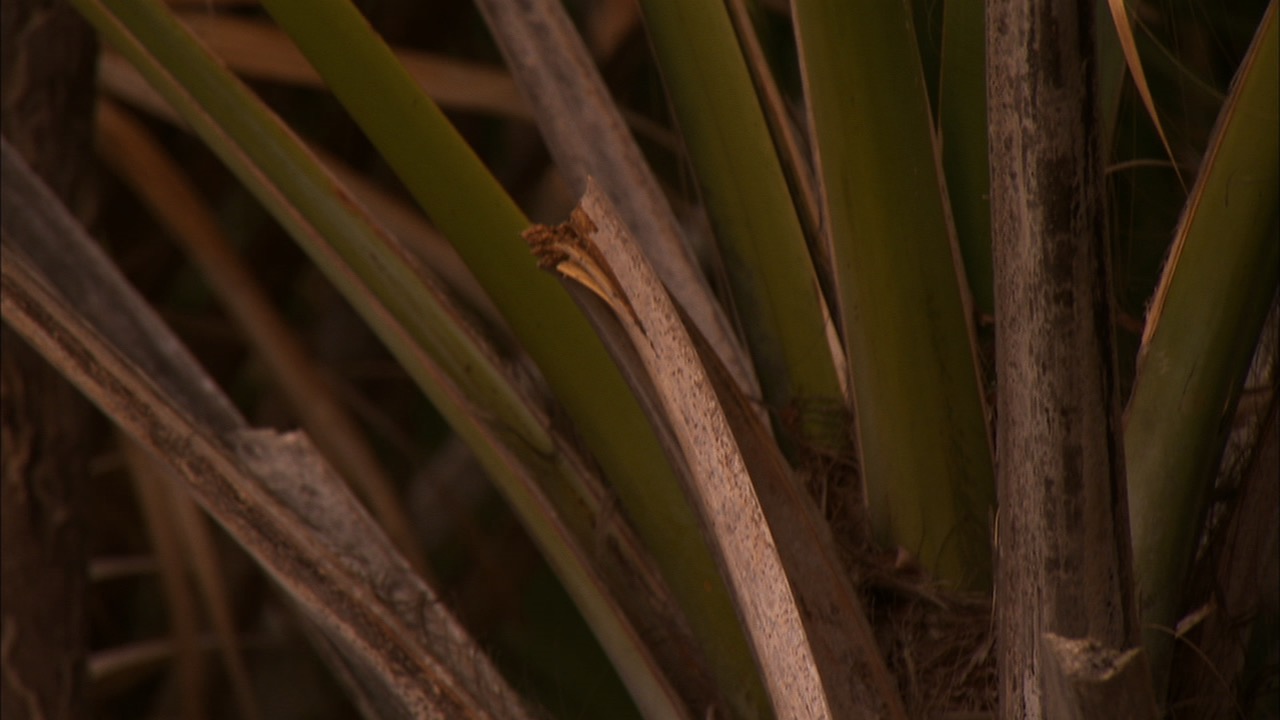
Photographing Scenery with Multiple Exposures
8:45
Landscape photography. Learn multiple exposure techniques to create abstract palmetto images using in-camera exposures and Photoshop editing.
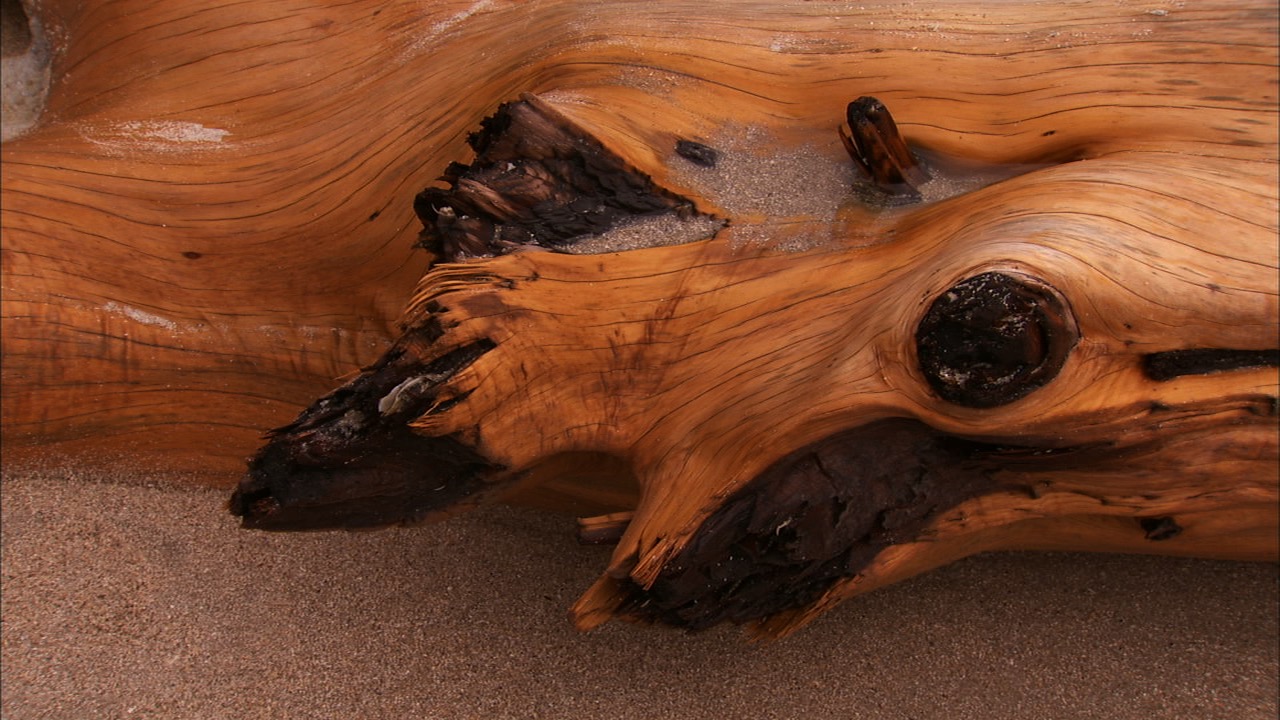
Black and White Conversion: Tips and Tricks
10:01
Learn composition, wood texture photography, and Silver Efex editing techniques for striking monochrome images.
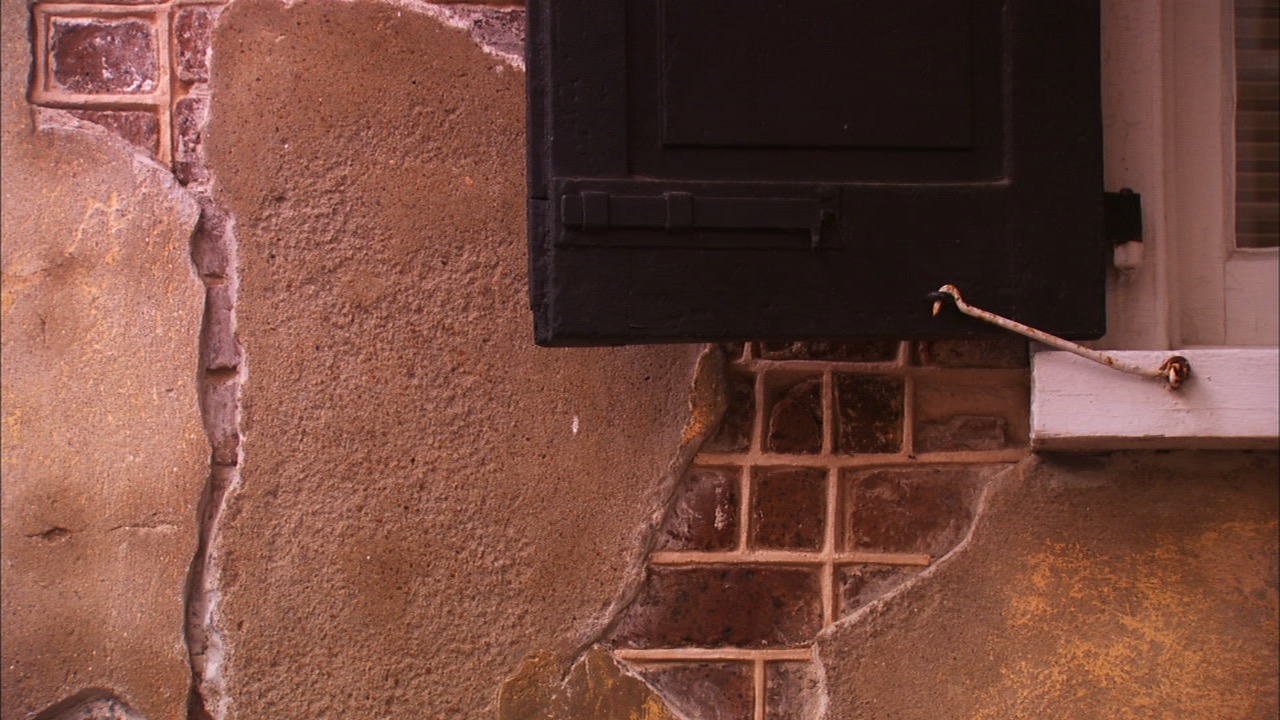
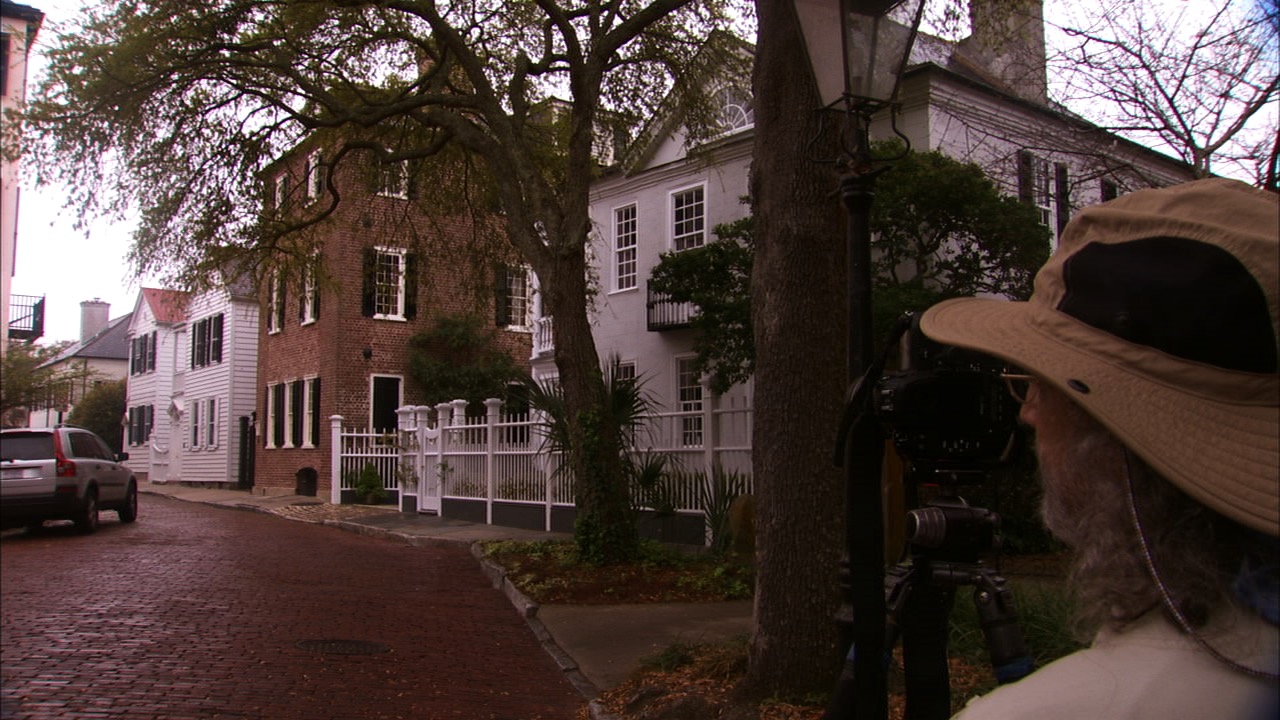
Capturing the Beauty of Downtown Charleston
2:41
Learn composition, architectural details, and visual artistry techniques for capturing historic city scenes with Tony Sweet in downtown Charleston.
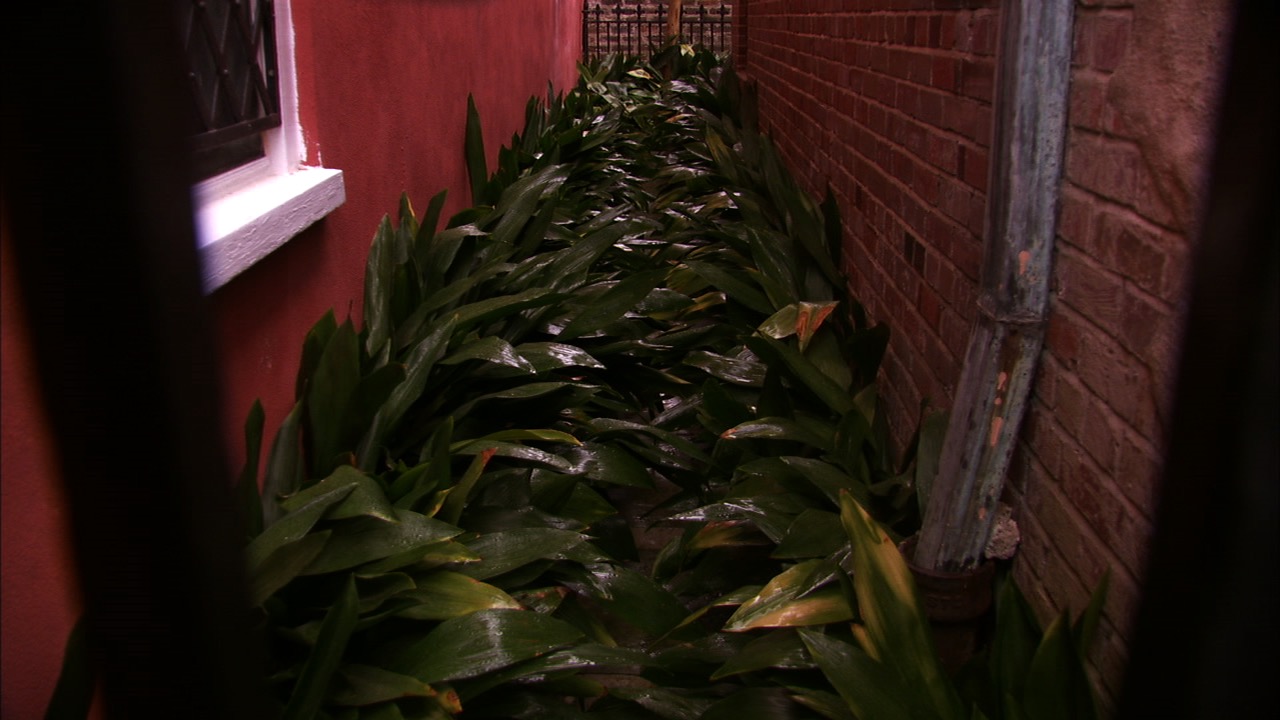
Infrared Photography: Shooting and Editing
8:49
Infrared photography—learn how foliage turns white, choose strong textures and colors, and edit infrared images for dramatic effects.
How to Mirror an Image in Photoshop
14:13
Learn how to mirror an image to create artistic symmetry using canvas expansion, image flipping, and creative effects.
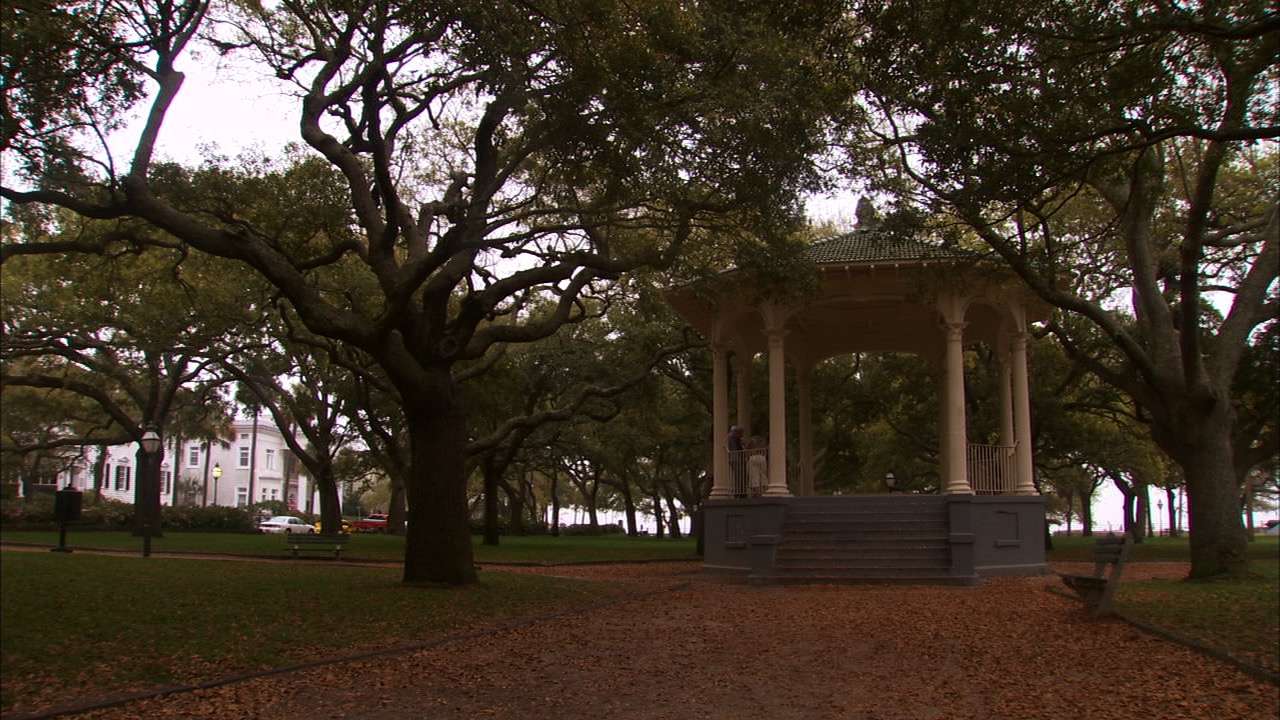
How to Photomerge to Create a Panoramic Image
12:29
Panoramic photography. Learn how to stitch images using Photoshop Photomerge to create wide landscape panoramas with clean, seamless results.
Your Instructor
Tony Sweet
Tony Sweet embarked on the creative journey of photography following successful careers in jazz music, education, and magic. For over 30 years, he has been a captivating speaker and educator in photography and creativity, traversing the United States and Canada. Tony conducts Visual Artistry photography workshops in scenic locations across North America and Iceland. His striking images, represented by Getty Images, have left an indelible mark in national ad campaigns for brands like Nikon and Exposure Software. As the author of five books on photography, a co-producer of educational DVDs, and the creator of an iPhone instructional series, Tony's influence in photography education is profound.

Bonus Material
Bonus Materials available for download after purchase.
FAQs
How do I know what the Class covers?
Every Class has a free Preview video you can watch, to give you a flavor of the Instructor and the skills or project that will be covered. In addition, the Overview tab includes a thorough written description of the Class. And finally, each Class Session has a brief written summary of the content in that Session, including the length of each Session video. You will get a good feel for the Class content by reviewing these resources.
Do I have to be a Member of Outdoor Photography Guide to purchase a Class?
No you don’t. While Premium Members will receive regular offers for special deals on OPG Academy content, Classes are not reserved exclusively for Members. If you buy a Class as a non-member, we’re sure you’d also enjoy having access to our full library of great photography videos and articles as a Member, so give it a try.
How do I purchase a Class?
First you should decide that the Class is what you want. Review the Class Preview video and the various written descriptions of the Class and each Session before you purchase, so you have a good understanding of the Class content. When you’re ready to purchase and gain access to the Class, simply click the “Add to Cart” button, and proceed through the Checkout process.
How do I access/view my Class?
Once you’ve paid, you can access/view your Class by going to the MY ACCOUNT section of Outdoor Photography Guide. The MY ACCOUNT link is in the upper right-hand area of the website. Within your MY ACCOUNT, a section labeled “My Content” is where the class you purchased will appear, including a link to watch the video of your Class. You’ll also receive an email confirmation after your purchase, which will include a link to view your Class. You can access your Class as many times as you wish, and you’ll never lose access to your Account information. Just be sure to “Log In” for access to MY ACCOUNT.
Do I have to take the Class right away?
No. Any Class you buy will be accessible to you always. You can view your Class whenever you want, and you can view individual Sessions in whatever order you like.
Is there a limit on the times I can view my Class?
No. Your access never expires. You can view any Class you purchase as many times as you want, whenever you want.
Can I view a Class on my tablet device or mobile phone?
No problem. Most newer-model smartphones or other mobile/tablet devices with an internet connection are able to play the Class videos. Simply Log In on Outdoor Photography, and you can view any Class you’ve bought through the MY ACCOUNT section. Or, you can click on the “View Class” link within the email confirmation you’ll receive upon your purchase.
How do I get access to the Bonus Materials for the Class?
Until you purchase a Class, the Bonus material (any extra videos, download materials, etc.) will not be accessible. Once you purchase a Class, and go to view your Class, each individual Bonus element is accessible by simply clicking on each item. You’ll find the Bonus Materials directly below your main Class viewer frame. You can access the bonus materials as many times as you like and/or save them to your device.
How does the Class Q&A Resource benefit work?
Once you purchase any Class, within the Class viewing page, you’ll have access to post a question, comment or tip in the Class Discussions. This is not a “live chat,” but your Class Instructor and OPG contributors will answer posted questions and provide tips regularly. You can also view other Class participants’ questions and input to take part in this virtual dialogue among others who have taken the Class and are willing to share tips, answers, or ideas.
Can I print out Class details?
For any Bonus Material that is a PDF Download, yes you can. Just click on the icon/button for the Bonus element you want, and print with your local printer.
What are PDF downloads?
These are simply documents, plans, or written materials that are formatted in a way to print out and retain for reference. By simply clicking on the icon/link for any PDF Download that is included with a Class, you can print that document on your own printer or simply view the contents on your computer/mobile device.
Are there any system requirements to view the Class video content?
Your Class video content is best when viewed on a computer manufactured in the past couple of years with a good broadband Internet connection (not dialup). We also highly recommend using the latest version of Firefox, Safari, or Chrome as your Internet Browser, though recent versions of Internet Explorer will work as well. The recommended screen resolution is 1024 x 768 or larger.
Why do you need my email?
We need it to acknowledge your purchase of a Class, and send you a confirmation of your transaction. Also, in order to maintain your permanent access to the Class videos, you’ll need to Log In to outdoorphotographyguide.com. We guarantee that we will not share your email with any third parties. You may receive email updates from OPG from time to time, with details of new Classes and updates. You can easily unsubscribe when you receive any email.
Can I get a refund if I don’t like the Class?
Because you’ll have full access to all the materials and content that is presented in the Class immediately, we can’t offer a refund after purchase. Please review the Class Preview video and the various written descriptions of the Class and each Session before you purchase, so you have a good understanding of the Class content.
How do I contact OPG Academy?
If your question is about the Class content, please use the Contact Us Link – and you'll receive feedback from the Class Instructor. Even your fellow Class participants may jump in to offer tips and advice from their experience. If you have other questions or need help, you can email us at OPGsubscription@program-director.net or call us toll-free, at 1-855-231-0652. Service Representatives will be available Monday-Friday, from 8:00 AM to 4:30 PM Central time, excluding normal holidays.
Explore Classes by Tony Sweet


Sign up for our free newsletter today
Get the latest outdoor photography videos, tips and techniques delivered right to your inbox.